Frequently asked questions
Short answers to what parents ask most often
Do I need to install anything as a parent?
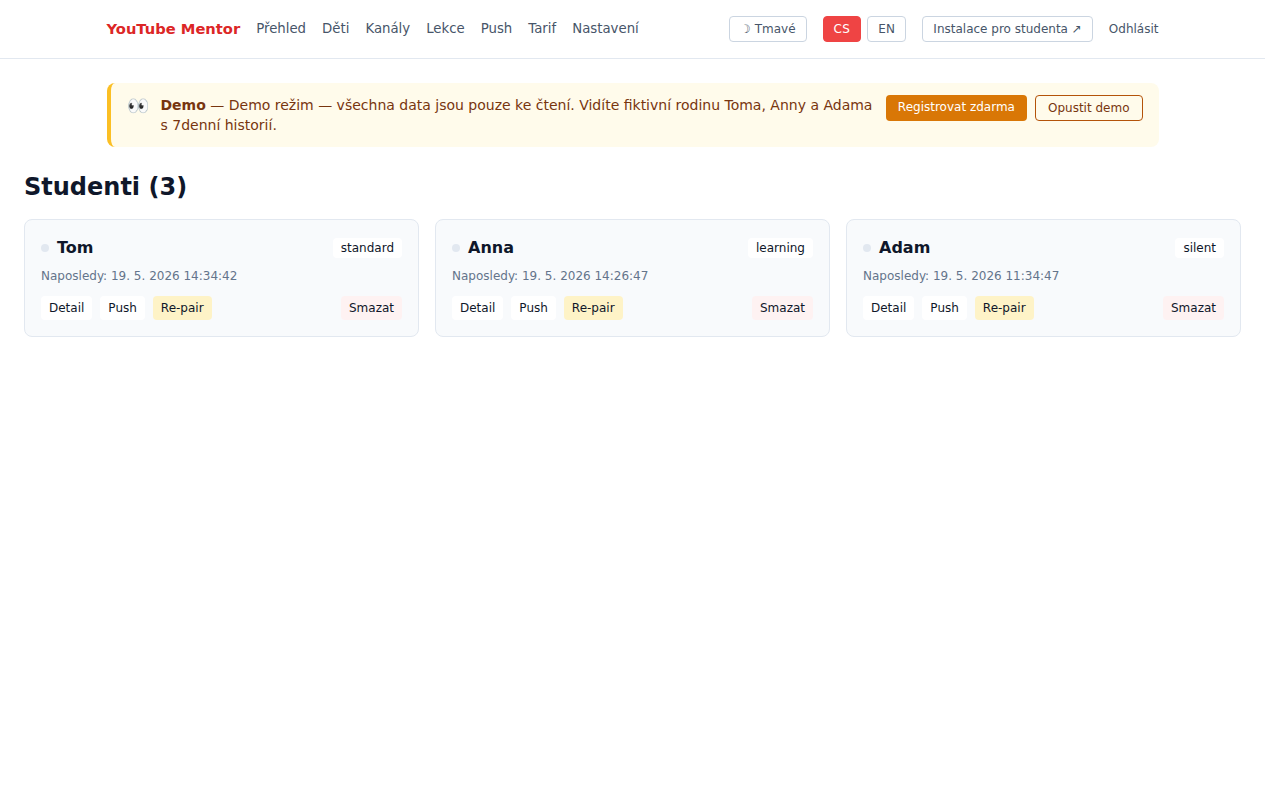
No. As a parent you use the web dashboard — works in any browser on PC, phone, and tablet. Only the child installs the extension in Chrome or Brave on their PC.
What if my child uses YouTube on phone or tablet?
Currently we track YouTube only on PC in Chrome/Brave. Mobile and tablet versions are planned by end of 2026. For phones we recommend combining with Google Family Link.
What if my child uninstalls the extension?
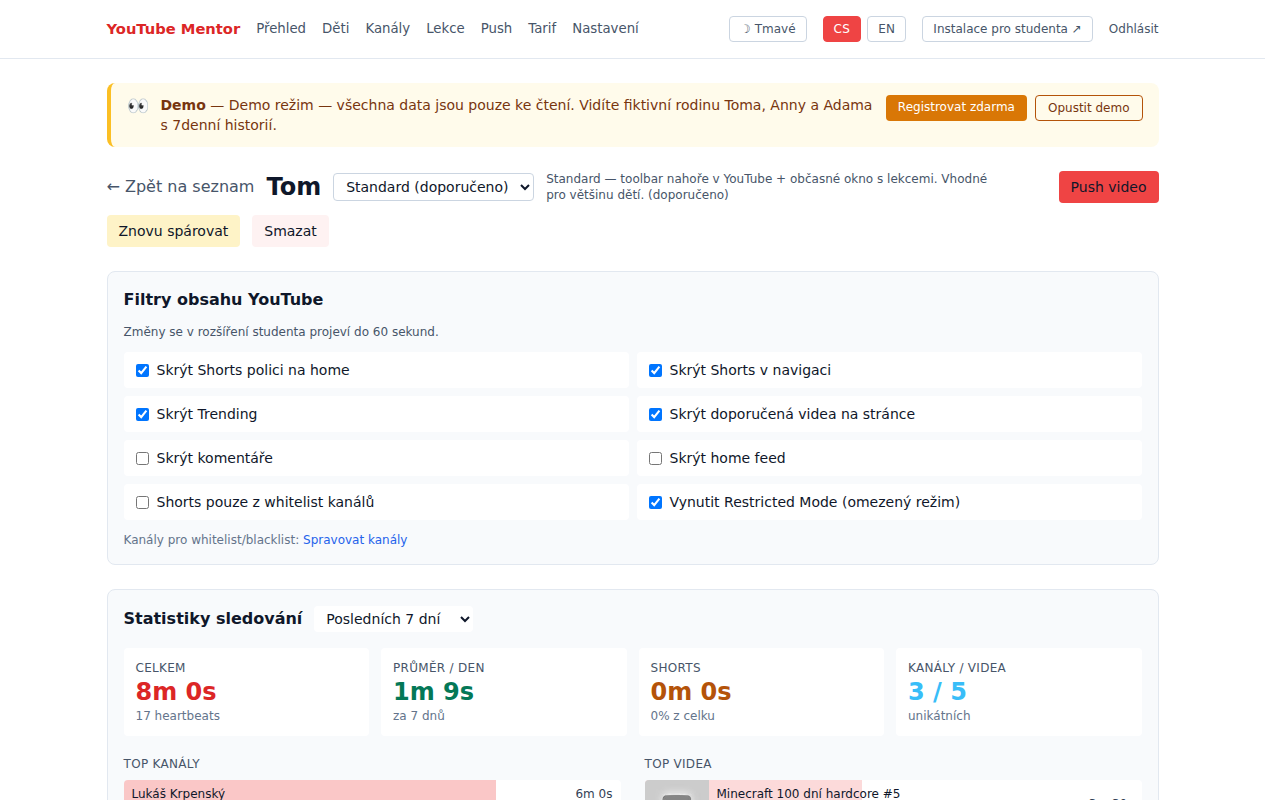
Send them a new pairing link. The dashboard shows when heartbeats stopped (last activity), so you'll see it immediately. For Chromebooks and school devices we'll have MDM policy enforcement (School tier).
Does it work with Google Family Link?
Yes. Family Link handles the whole OS and app blocking; YouTube Mentor adds deep YouTube insight (what videos, what channels, how much time). We recommend using both. The Setup wizard helps you configure.
Where is the data stored? Is it secure?
Our servers are in Czech Republic (Vinařice), no cloud outside the EU. We never sell data, no ads. HTTPS communication, passwords as Argon2 hashes. Full details in Privacy Policy.
What if I don't pay? What's in Free tier?
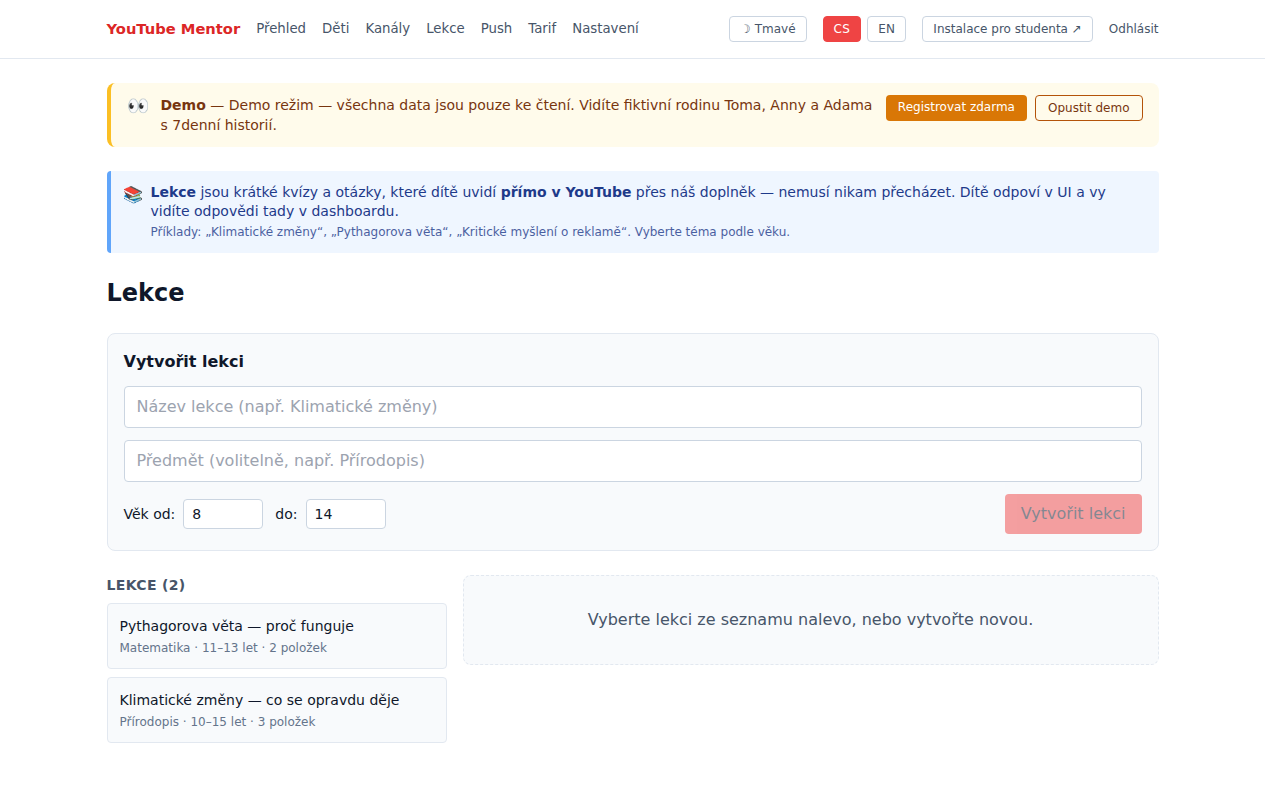
Free tier is forever for 1 child with 7-day history. No credit card up front. Family tier (4 children, 90-day history, lessons) is 129 CZK/month or 1,290 CZK/year. Lifetime 2,990 CZK one-time.
Can I delete my account and data anytime?
Yes. In dashboard Settings. After deletion, data leaves the database and backups within 30 days (GDPR "right to be forgotten").
Will my child know I'm watching?
It's up to you. In Standard edition they see a small "M" toolbar icon in YouTube. In Learning they see lessons and quizzes. In Silent the extension is nearly invisible. We recommend transparency (inform the child) — it builds trust.
How complex is the install?
Install is 1-click from the Chrome Web Store (approved May 22, 2026). Just click "Add to Chrome" and confirm permissions. Details and pairing steps at /en/install.
I have another question — how to contact you?
Email ladislav.kepl@gmail.com. We usually respond within 24h. The app is run directly by the author — Ladislav Kepl in Vinařice, Czech Republic.